kdj@kdj.lk +94 76 723 3595 0117 228 328 Kirillawala, Sri Lanka Saturday, Oct 24, 2026 YouTube TikTok Instagram Facebook NAS Community
Popular: AI News Courses About KD
Course details · පාඨමාලා විස්තර

Microsoft Access - Live Course Recordings

A Free-tier course in the NAS learning community. Below is what we have verified — enrolment and the full lesson list live on this course's page on the learning platform.
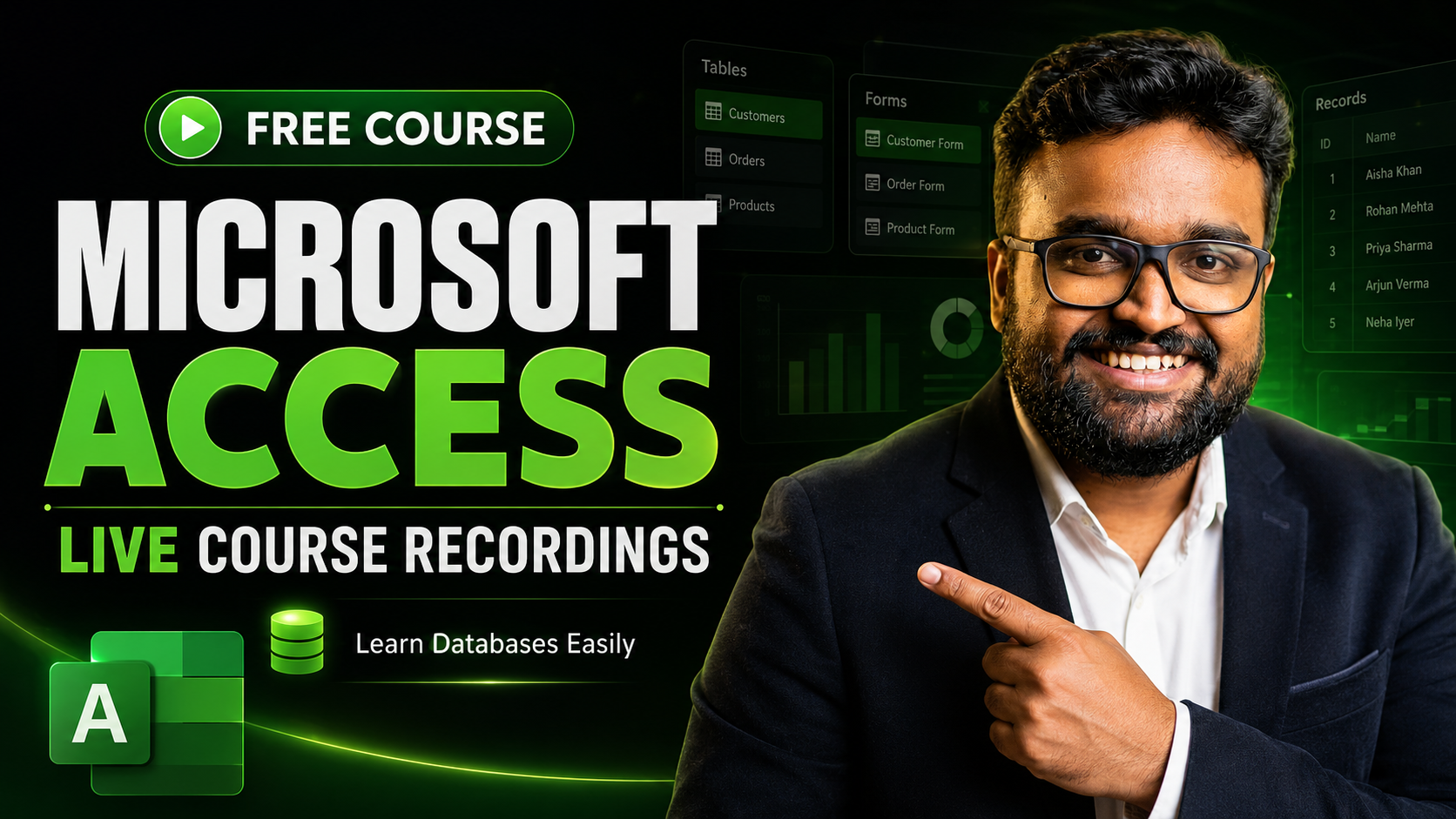
Microsoft Access - Live Course Recordings — course cover
  • Access tier · tier එක
    Free
  • Requirement · අවශ්‍යතාව
    සියල්ලන්ට නොමිලේ — membership අවශ්‍ය නැහැ.
    Free for everyone — no membership needed.
  • Lessons · පාඩම්
    9 lessons (checked 12 Oct 2026)
  • Included in · ඇතුළත්
    Free for everyone
  • Instructor
    KD Jayakody
  • Format · ආකෘතිය
    Recording · පටිගත — 4 live-class recordings
  • Standalone · එක් වරක්
    නොමිලේ · Free — no payment
  • Learners enrolled · ඉගෙනගන්නන්
    189 (July 2026 snapshot)
  • Device & software · උපාංග
    MS Access එකෙන් Database එකක් මුල සිටම හදන හැටි ඉගෙන ගමු!
  • Tool costs · Tool ගාස්තුව
    Microsoft Access: Any paid plan for the tool itself is separate from course access — check the tool's own pricing.
  • Published · ප්‍රකාශිත
    2025-12-22 (July 2026 snapshot)
    Updated date not shown publicly.
  • Where · තියෙන්නේ කොහේද
    NAS community · learn.kdjayakody.lk
  • Public preview
    This summary and the lesson counts are free to read — no account needed.
  • Sign-in · ඇතුළු වන්න
    Starting needs a free NAS account.
  • Platform button · button එක
    "Get for free" (verified 12 Oct 2026) — the platform confirms the $0 total when you claim it.
  • Catalogue snapshot
    2026-07-28 — confirm price and availability on the platform course page
  • About this course

    MS Access එකෙන් Database එකක් මුල සිටම හදන හැටි ඉගෙන ගමු! Live Class 4ක සම්පූර්ණ Recordings මෙතන Upload කරලා තියෙනවා.

    Quoted from the platform course page (excerpt) — checked 12 Oct 2026.

    What you will learn

    • Tables & Primary Keys: Database මූලික පදනම, Tables සහ Fields නිවැරදිව හදාගන්නා ආකාරය
    • Relationships & Forms: Tables එකට එක සම්බන්ධ කරලා Data Entry Forms සකස් කිරීම
    • Advanced Queries: Filtering, Calculated Fields සහ Parameter Queries භාවිතා කර දත්ත සෙවීම
    • Reports & Automation: Professional Reports, Navigation Dashboard සහ Basic Macros
    • Bonus Videos: ChatGPT AI එකෙන් Database හදන හැටි, Search Form සහ Interface Hide කරන ක්‍රම
  • Who this is for · කා සඳහාද
    Database පාවිච්චි කරන්න පුරුදු වෙන්න කැමති ඕනෑම කෙනෙක්ට
    Office/Business වැඩකට Data කළමනාකරණය කරන අයට
  • Next step: the button below takes you from kdjayakody.lk to the NAS learning platform (learn.kdjayakody.lk) — enrolment and payment happen there, on this exact course's page.

    Starting needs a free NAS account.

    Do I owe anything? No — $0 for everyone. This is a public-free course and the platform confirms the $0 total when you claim it. Members: already included, you owe $0.

    නොමිලේ පටන්ගන්නarrow_outward Back to all courses

    Claim steps

    1. The button takes you to the NAS platform — it says 'Buy now'.
    2. This is a free claim — not a payment.
    3. Starting needs a free NAS account. Returning users sign in with 'Log In'.
    4. If needed: confirm via the code/link in your email.
    5. When claiming: watch lesson 1 on the course page.
    6. Login and lessons live only on the NAS platform.

    Full details such as lesson titles and any sample lesson live on the platform's course page.