
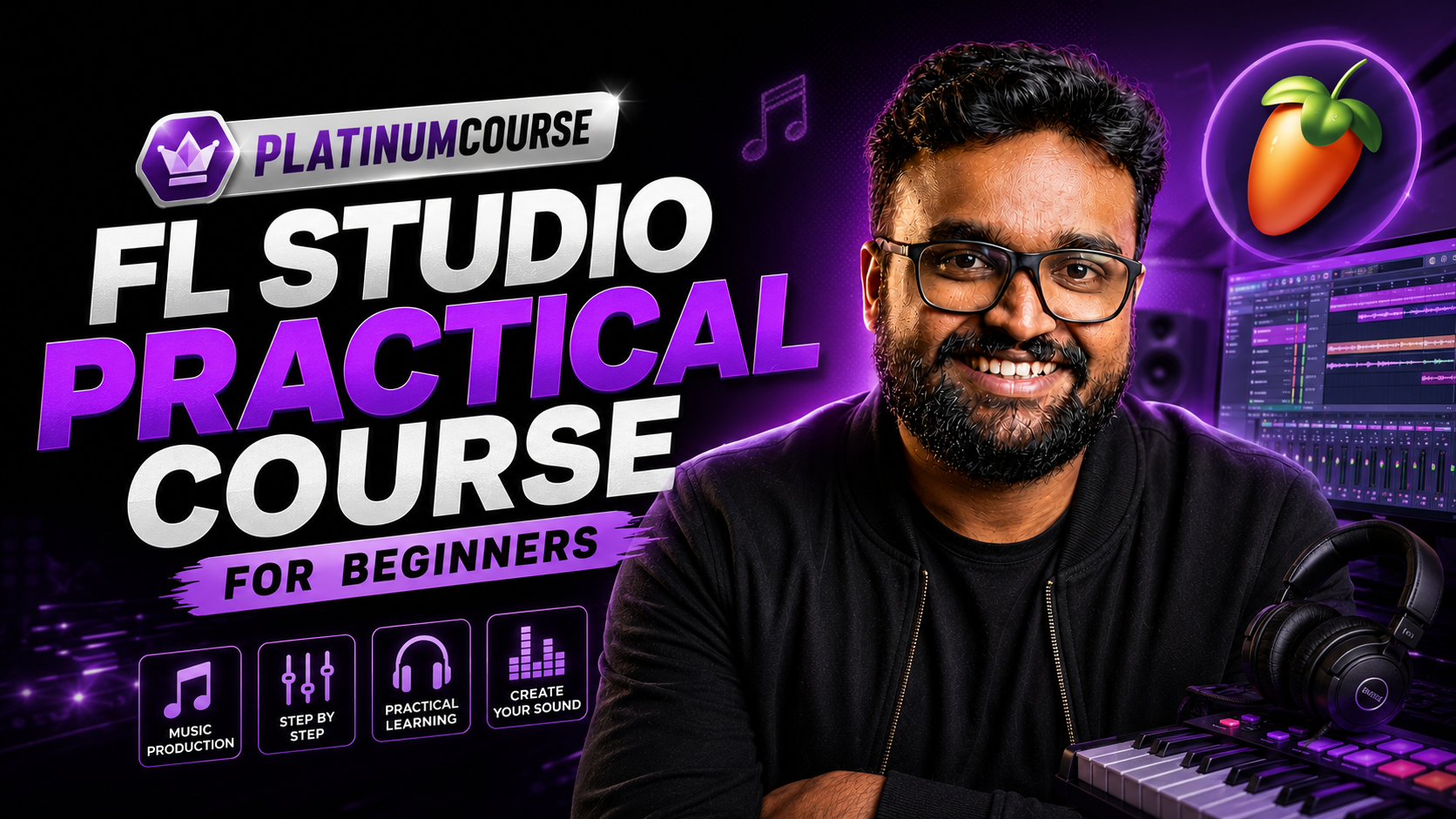
FL Studio Practical Course | For Beginners
A Platinum-tier course in the NAS learning community. Below is what we have verified — enrolment and the full lesson list live on this course's page on the learning platform.
Requires Platinum — Gold does not include Platinum courses; or buy per course.
How to Install FL Studio: Installation සහ පළමු Setup එක
Updated date not shown publicly.
About this course
මේක Video Modules 15කින් සමන්විත, සම්පූර්ණ FL Studio Tutorial Series එකක්. කලින් කිසිම දැනුමක් නැතත් කමක් නෑ — පියවරෙන් පියවර සරලවම Music හදන්න මේ Course එකෙන් පුරුදු කරනවා.
Quoted from the platform course page (excerpt) — checked 12 Oct 2026.
What you will learn
Module 1-5: Basics & Setup
- Introduction: FL Studio කියන්නේ මොකක්ද? DAW එකක් විදිහට වැඩ කරන්නේ කොහොමද?
- What Do You Need: Music production වලට අත්යවශ්ය Hardware & Software
- How to Install FL Studio: Installation සහ පළමු Setup එක
- Changing the Theme of FL Studio: UI එක තමන්ට ඕන විදිහට වෙනස් කරගන්නා හැටි
- Identify all the Essential Parts: Channel Rack, Playlist, Mixer, Piano Roll, Browser වැනි ප්රධාන කොටස් සියල්ල හඳුනාගැනීම
Module 6-9: First Beat to Project Management
- Making Your First Beat: Drum patterns, Kick, Snare භාවිතයෙන් ඔයාගේ පළමු Beat එක හදමු
- Saving the First Project: Project file එක නිවැරදිව Save කරගන්නා ආකාරය
- Export to MP3 and WAV: Track එක Render කර Export කරගන්නා හැටි
- Get an Empty Project: New project එකක් Start කිරීමේදී අනුගමනය කළ යුතු හොඳම ක්රම (Best Practices)
Module 10-13: Song Making & Recording
- Get Ready for Making a Song: සම්පූර්ණ Song structure එකක් Plan කරගන්නා ආකාරය
- Making the Chord Progression with Piano Roll: Piano Roll එක භාවිතයෙන් Chords සහ Melody නිර්මාණය කිරීම
- Add a Bassline and Drum: Bassline + Drum groove එකතු කර Track එකට ජීවයක් ලබාදීම
- Record Your Vocals: Audio recording, Mic setup සහ Vocal recording වල මූලික දේවල්
Module 14-15: Mixing, Mastering & Final Export
- Optimizing Vocals by Adding Effects: EQ, Reverb, Delay, Compressor වැනි VST Effects භාවිතයෙන් Vocals Polish කරගන්නා හැටි
- Exporting the Final Song: Final mix එක MP3/WAV format වලින් Bounce කර එළියට දාන්න පුළුවන් මට්ටමේ Track එකක් හදන හැටි
Next step: the button below takes you from kdjayakody.lk to the NAS learning platform (learn.kdjayakody.lk) — enrolment and payment happen there, on this exact course's page.
Starting needs a free NAS account.
Do I owe anything? Platinum member: included — you owe $0. Gold members and new visitors: this course is not in Gold — standalone purchase on the platform (exact price on the course page), or join Platinum.
Platinum membership එකෙන් ඇතුළු වන්නarrow_outward Back to all courses
Full details such as lesson titles and any sample lesson live on the platform's course page.