
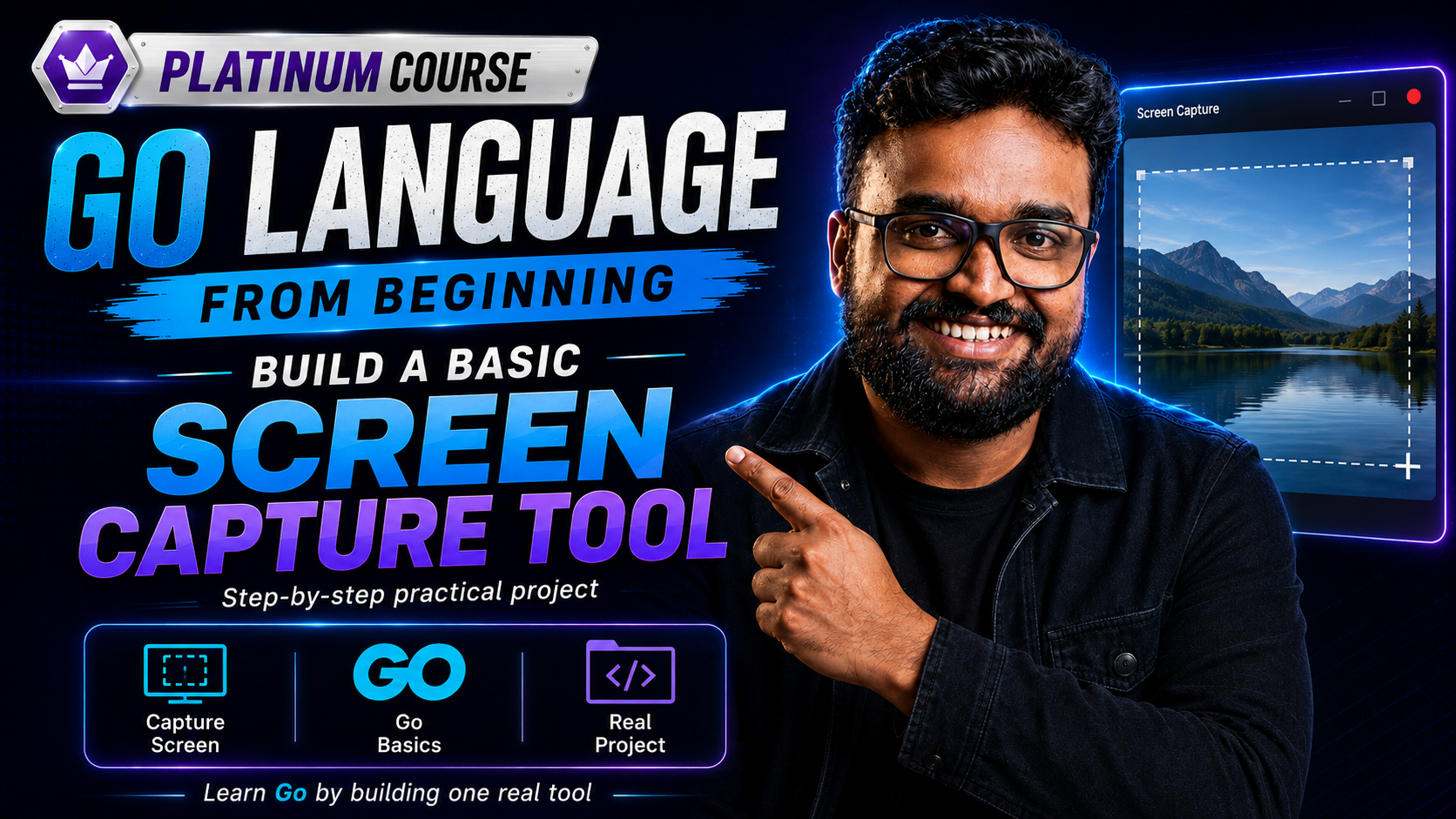
Go Language From Beginning: Making a Screen Capture Tool With AI
A Platinum-tier course in the NAS learning community. Below is what we have verified — enrolment and the full lesson list live on this course's page on the learning platform.
Requires Platinum — Gold does not include Platinum courses; or buy per course.
Updated date not shown publicly.
About this course
ඔයා Programming වලට Absolute Beginner කෙනෙක් වුණත්, නැත්නම් වෙනත් Language එකක් දැනගෙන Golang + AI Engineering පැත්තට Shift වෙන්න බලන් ඉන්න කෙනෙක් වුණත්, මේ Course එක ඔයාට 100% Practical Experience එකක් දෙන්නයි Design කරලා තියෙන්නේ.
Quoted from the platform course page (excerpt) — checked 12 Oct 2026.
What you will learn
- Go Setup & Basics: Go Language Installation, Project Folder Structuring සහ පළමු CLI App එක නිර්මාණය කිරීම.
- GUI Integration: Golang Application එකකට Graphical User Interface (GUI) Libraries එකතු කරගන්නා ආකාරය.
- Dependency & Bug Fixing: Real-world Software Development වලදී එන Library Issues සහ Environment Errors හරියට Identify කරගන්නා හැටි.
- Debugging with Agentic AI: Agentic AI Coding Assistants පාවිච්චි කරලා Code එකේ තියෙන Bugs ක්ෂණිකව Fix කරගන්නා System එක.
- Building Screen Capture App: Screen Record & Capture Logic එක Step-by-Step Code කරලා working software එකක් බවට පත්කිරීම.
AI Tools (Agentic AI) පාවිච්චි කරලා Coding Speed එක සහ Debugging Ability එක වැඩි කරගන්න ඉන්න Developers ට.
තමන්ගේ Portfolio එකට Real Desktop App Project එකක් එකතු කරගන්න බලන් ඉන්න Freelancers & Tech Enthusiasts ට.
Next step: the button below takes you from kdjayakody.lk to the NAS learning platform (learn.kdjayakody.lk) — enrolment and payment happen there, on this exact course's page.
Starting needs a free NAS account.
Do I owe anything? Platinum member: included — you owe $0. Gold members and new visitors: this course is not in Gold — standalone purchase on the platform (exact price on the course page), or join Platinum.
Platinum membership එකෙන් ඇතුළු වන්නarrow_outward Back to all courses
Full details such as lesson titles and any sample lesson live on the platform's course page.